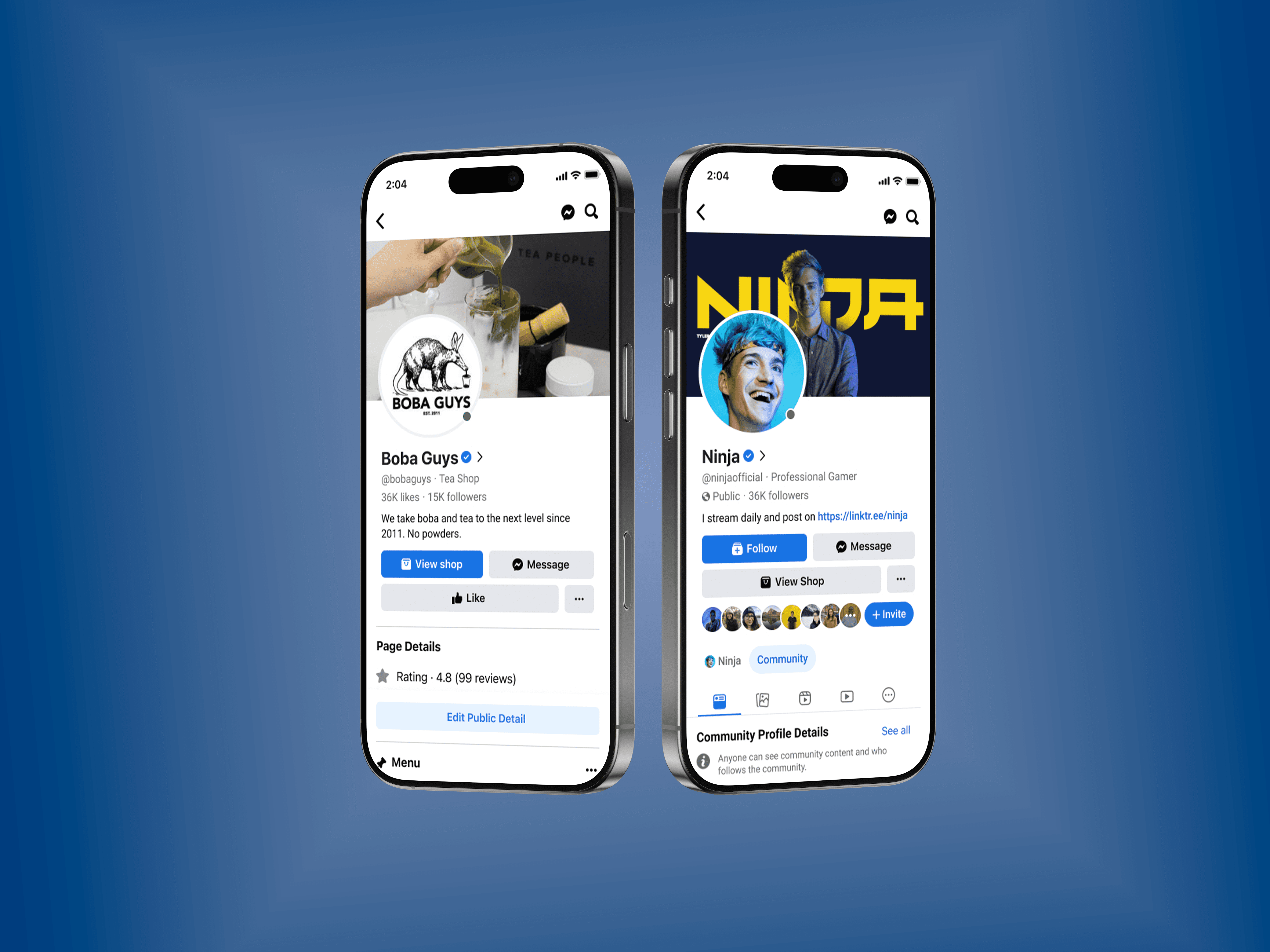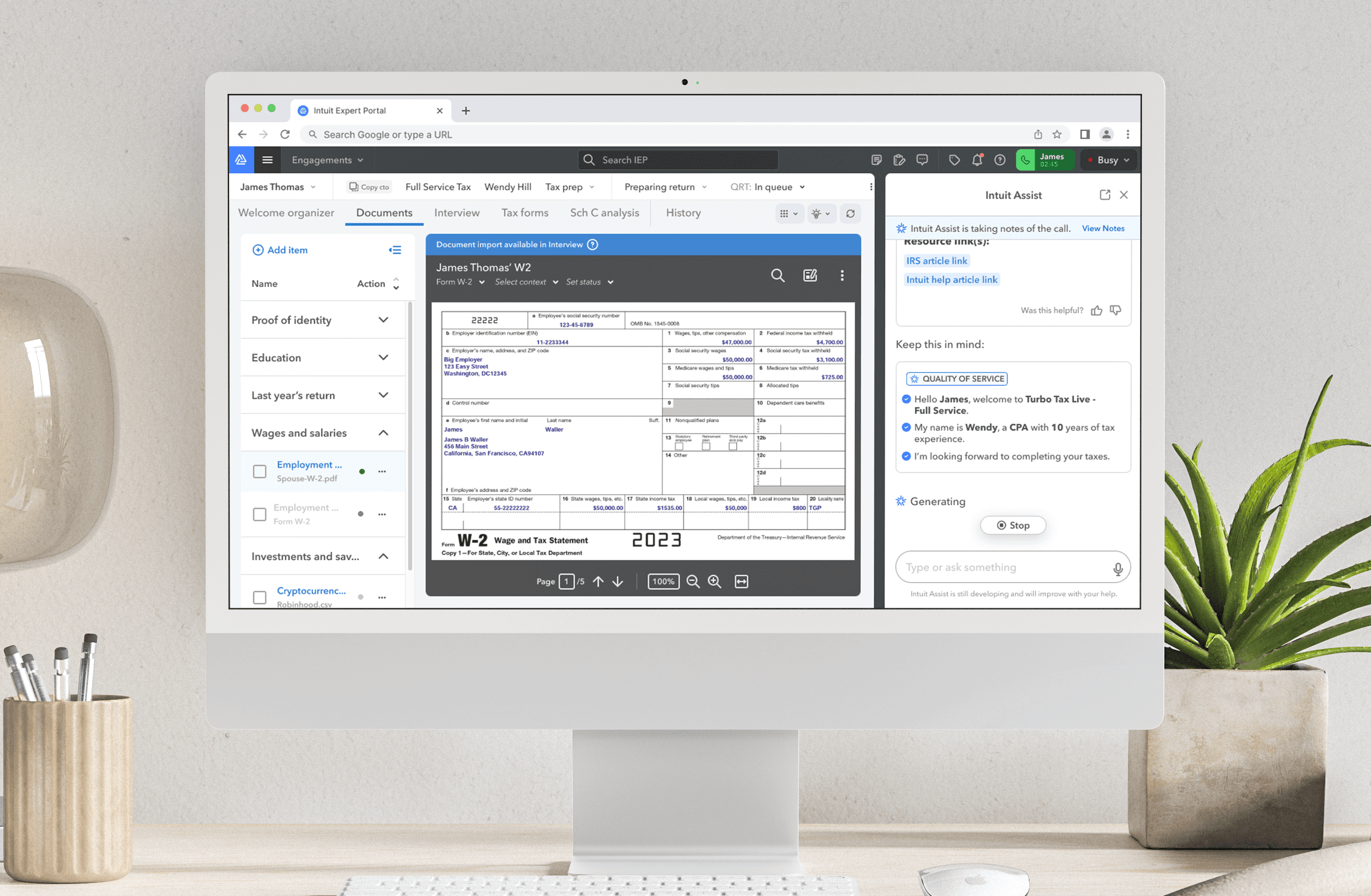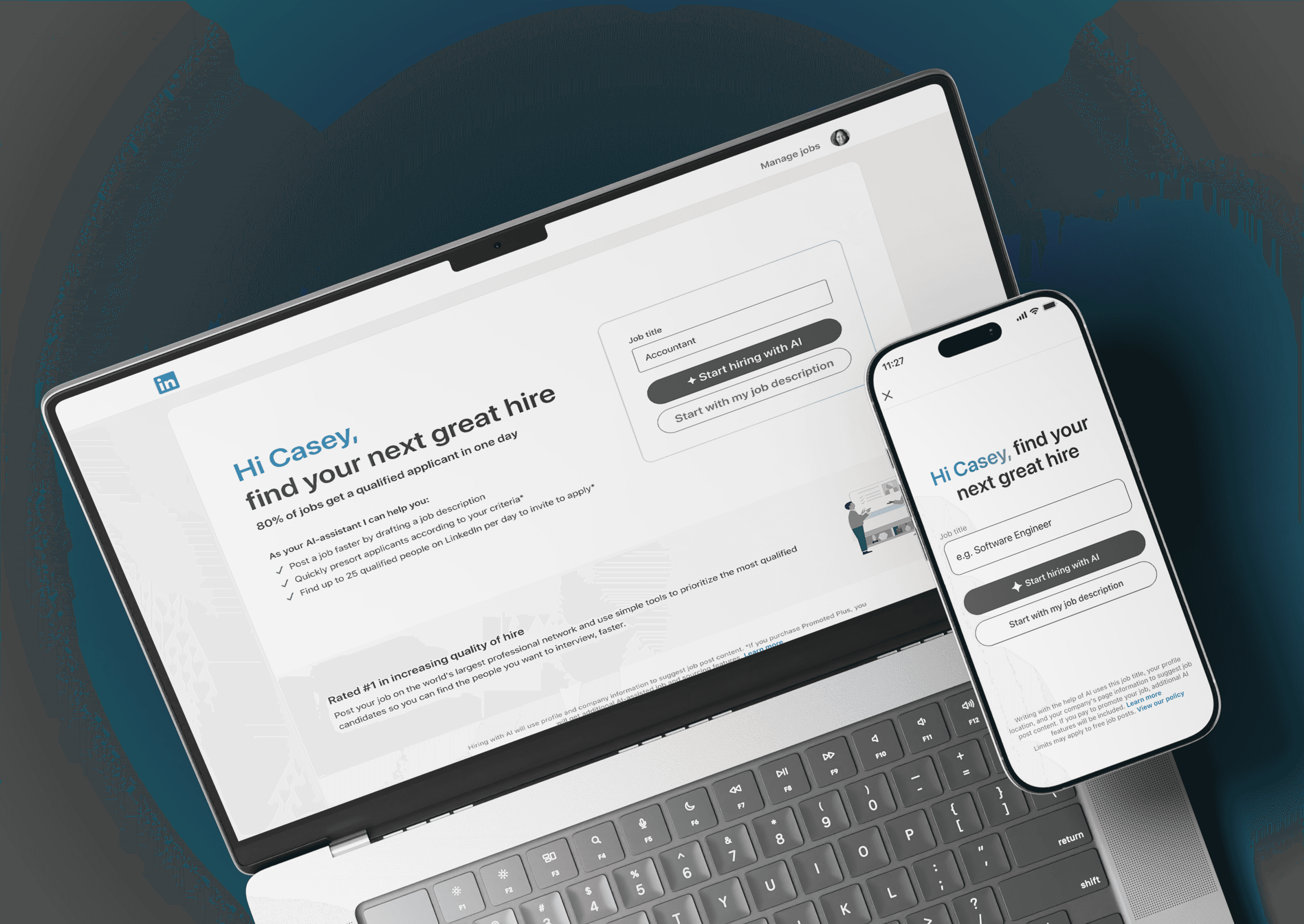
BrightDesk is a SaaS platform that helps small businesses manage customer communication, internal tasks, and project workflows from a single dashboard. The goal of the project was to redesign key parts of the platform to improve usability, reduce friction in daily workflows, and make important information easier to access.
My role
Product Design Lead
I helped lead product design from initial vision through launch, working across design strategy, prototyping, research, and delivery. As well as presenting to executives and completing final QA
Project duration
6 weeks
Working team
3 product designers
2 product managers
10+engineers
1 researcher
2 content designers
+ extensive collaboration with our design systems, AI platforms, product marketing, data science and legal teams
Project highlights
0%
0%
Product adoption rate among active users within the first three months
0%
0%
Increase in task completion efficiency quarter-over-quarter
$0k
$0k
Additional annual revenue generated from upgraded team plans
Recognized among the top emerging productivity platforms by industry analysts
The Problem
BrightDesk had grown quickly, adding new features and tools over time. While the platform became more powerful, the interface also became increasingly complex. Users struggled to find key actions, dashboards felt cluttered, and navigation between tasks required too many steps.
User feedback revealed three consistent frustrations. First, important information was buried under multiple layers of menus. Second, the visual hierarchy made it difficult to understand what actions should be taken next. Finally, the interface lacked consistency across different sections of the product, which slowed down users trying to complete everyday tasks.
These issues resulted in longer task completion times and frequent support requests. The challenge was to simplify the experience without removing the flexibility that teams relied on.
The Solution
The redesign focused on creating a more structured and intuitive interface that helps users move through the platform with minimal effort. Instead of presenting all features at once, the interface now prioritizes the most important actions and organizes secondary tools in a clearer hierarchy.
A simplified navigation system was introduced to group related features together and reduce cognitive load. Key information such as project updates, messages, and task progress was surfaced directly within the main dashboard so users could immediately understand what required attention.
We began with a vision
The design also introduced consistent spacing, typography, and component patterns across the platform. This created a more predictable experience that allowed users to learn the system quickly and move between features without confusion.
Phase 1: De-risking through focus
To understand the main usability issues, I conducted quick interviews with frequent users of the platform and reviewed customer support logs. These conversations highlighted the areas where users experienced the most friction in their daily workflows.
The research showed that users preferred a system that prioritized clarity over feature density. They wanted to quickly identify what needed attention and complete tasks without navigating through multiple screens.
These insights guided the design decisions and helped prioritize improvements that would deliver the most impact.
1-Step
Early wireframes focused on testing different navigation structures and dashboard layouts. The goal at this stage was to simplify the flow between tasks and reduce the number of clicks required to complete common actions.
Step 2
Sketches were first created on paper to explore different ideas quickly. These concepts were then translated into low-fidelity wireframes in Figma to test layout structure and user flows before moving to visual design.
Step 3
Early wireframes focused on testing different navigation structures and dashboard layouts. The goal at this stage was to simplify the flow between tasks and reduce the number of clicks required to complete common actions.
Friends & Family (closed beta) research and findings
The final design introduced a cleaner interface with a stronger visual hierarchy and a simplified navigation structure. Key information is now surfaced directly on the dashboard, allowing users to immediately understand project status and team activity.
Users wanted more manual control over AI actions
Again we were hearing that users still are not sure about the accuracy of AI performing all these tasks for them so they prefer to have manual control over things or at least a way to review more easily.
Job reposting and templating needed to be easier.
We can provide pre-written job descriptions or access to previously posted jobs to “duplicate” content. How can we allow users to save a job as a template?
The MVP drove engagement — but surfaced a critical gap: ranking credibility.
Nearly 80% of applicants were labeled “Top Match,” diluting signal strength and reducing trust. This was a product-design-data systems issue, not just a UI problem.
Phase 2: From automation to collaboration
User feedback revealed a strong desire for more control and transparency. We pivoted from automation-first to collaboration-first.
Posting process
We replaced 1-click publishing with a guided review flow, increasing perceived agency and reducing anxiety around AI outputs.
Optimizing the sourcing flow
We introduced “Why this candidate?” reasoning modules to surface alignment between qualifications and role criteria. Candidate cards were redesigned to optimize scanning and highlight signal clarity. This moved the experience from black-box automation to visible collaboration.
Adjusted criteria to reduce false positives in the “Top Match” category.
I partnered with data science to refine weighting logic for candidate matching, prioritizing quality over volume.
Creating the style guide and integration with Design System + Guide teams
As we were developing this product, there were other agentic products being developed across the company. We were all working in tandem and eventually were all consolidated to work together in a new “agentic” design system. I helped develop this new design system to work across the company.
My Impact
Reusable components and design tokens were implemented to ensure consistency across the platform. This system made it easier for developers to implement updates while maintaining a cohesive visual language.
The end result is a product that feels faster, clearer, and easier to navigate while still supporting the complex workflows that teams rely on.
Learnings and challenges
What did we learn?
Design Systems Matter
Building reusable components early helped maintain consistency across screens and sped up the design process.
Research Over Assumptions
User interviews revealed issues that weren’t visible through analytics alone.
Challenges we faced
Simplicity Improves Adoption
Reducing visual clutter made the platform easier to learn and increased user confidence.
Collaboration Drives Better Outcomes
Working closely with developers ensured that design decisions were realistic and efficient to implement.
Iterative Thinking
Testing ideas quickly through low-fidelity prototypes allowed us to refine the product before committing to final designs.
Reflection
The final design introduced a cleaner interface with a stronger visual hierarchy and a simplified navigation structure. Key information is now surfaced directly on the dashboard, allowing users to immediately understand project status and team activity.